Easy Insight Logo
Call 1-(720)-316-8174

Non-Inventory BOMs

If you use one of the following systems and aren't using an inventory system that contains bill of material (BOM) functionality, you can upload your own spreadsheet of BOMs into Easy Insight to inform your forecasting:

  • Amazon SellerCentral
  • Lightspeed
  • QuickBooks Online
  • Shopify
  • WooCommere
  • Xero

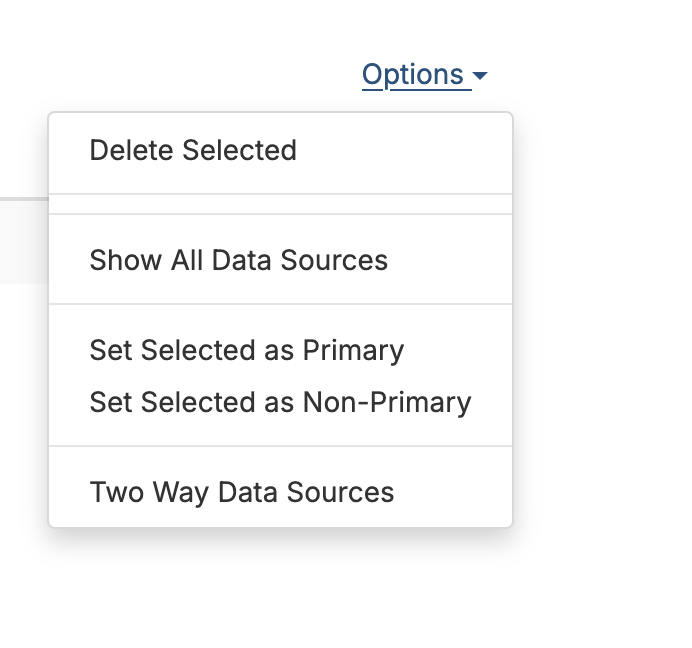
After you've connected your data to Easy Insight, you'll find a data source called 'BOM for XXX' where XXX is your data source. To get the data source to show up, click on Options and do 'Show All Data Sources'. For example, if you're configuring a BOM for Shopify, it'll be 'BOM for Shopify'. Go into the data source:

Show All Data Sources
BOM Data Source

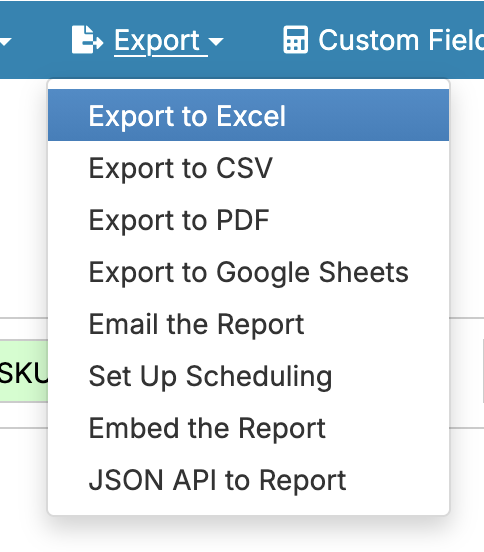
The easiest way to start is to create a new report on the BOM and add all of the fields from the BOM data source into the report, then export into Excel or CSV:

Margins
Margins

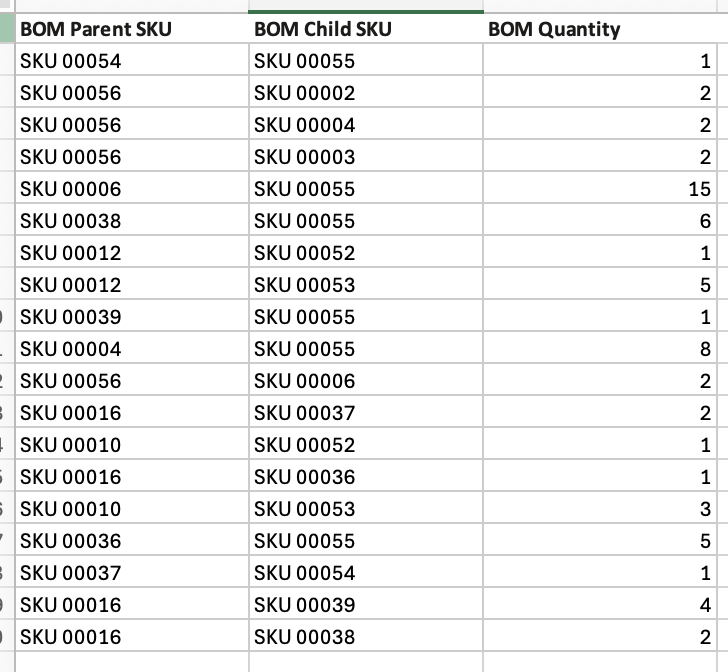
Specify the component and output SKUs and the quantity of the component that goes into producing 1 of the output:

Margins

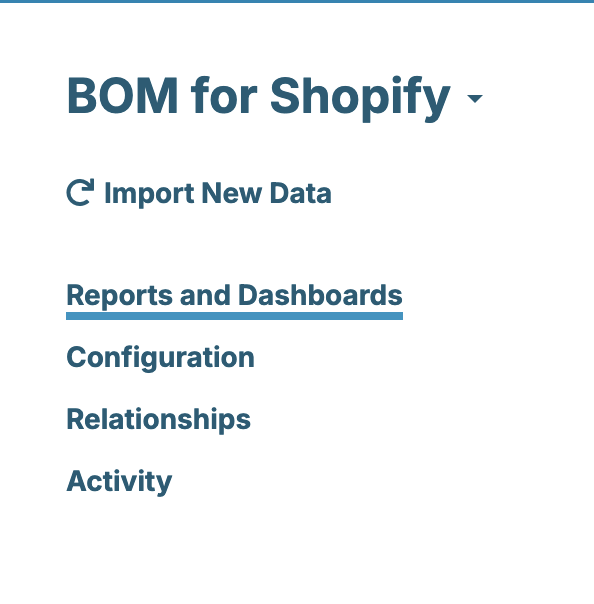
Upload the resulting file by going back to the BOM data source and clicking on Import New Data:

Margins

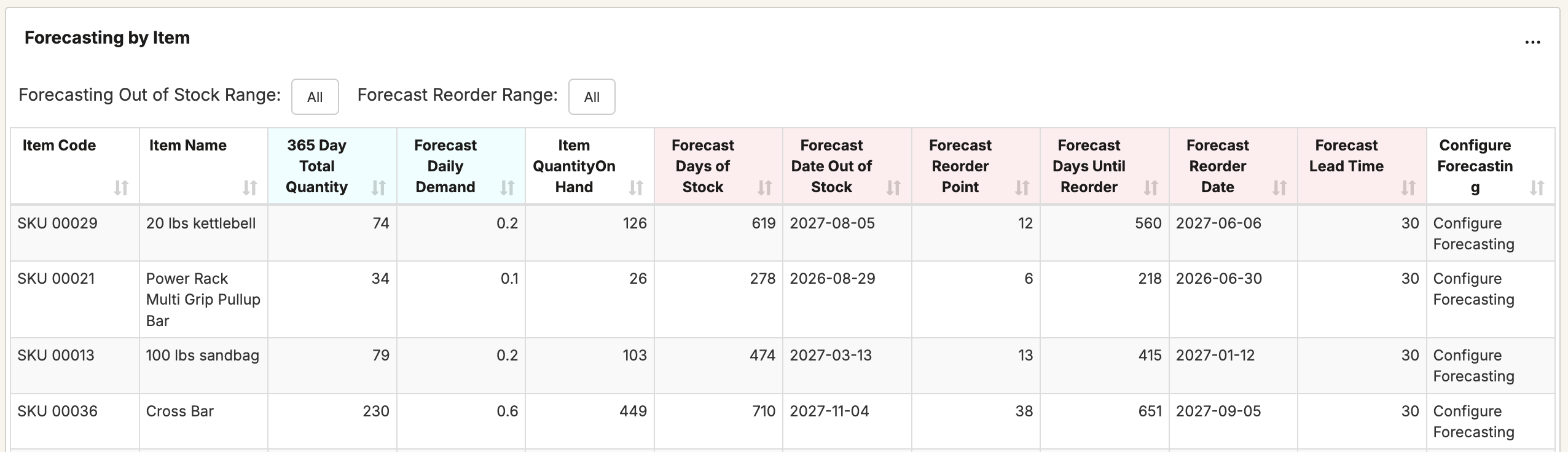
Finally, refresh your data source to rebuild any forecasting caches. Once done, you can go to the forecasting report in the prebuilt dashboard of your data source and see components show up with their projected demand, suggested reorder point, and all of the other data available to you in forecasting in Easy Insight:

Margins
Twitter Logo