

Xero in Easy Insight
Data Flow
When you create the connection to Xero from Easy Insight, Easy Insight pulls over and stores accounting data from your Xero system. The data stored covers accounts, transactions, invoices, payments, contacts, and line items.
Getting Started
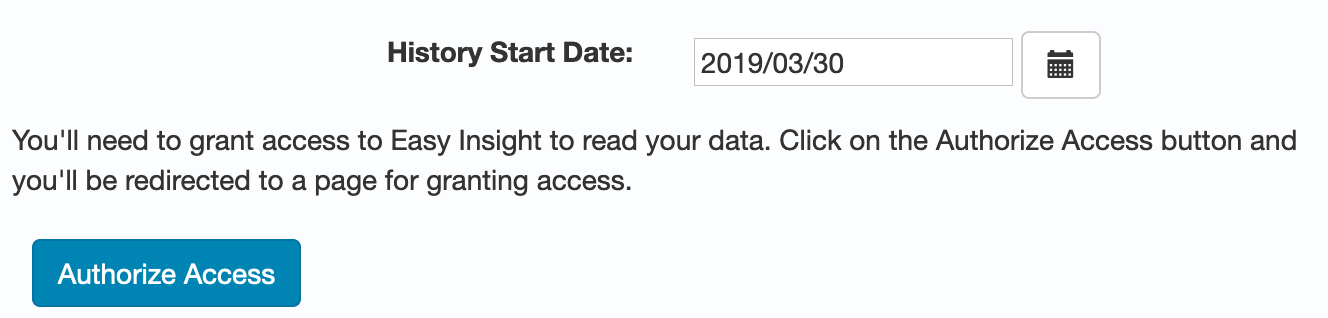
To get started, click on the Xero connection in the Connections page on your Easy Insight account. You can choose a start date to use for pulling data over. Click on Authorize Access and you'll be redirected to Xero to grant access to Easy Insight. On returning to Easy Insight, the connection will start pulling over data. The time required for the initial data pull will depend on how much data is in your Xero system and on the start date you specified.
Once data finishes coming across, you'll be redirected to a prebuilt dashboard to help get you started. This dashboard includes an income statement, as well as reports on revenue, expenses, invoices, and payments.
You can click on the data elements in any of the reports to drill in for more information. For example, clicking on the amount owed in a view of accounts receivables will take you to a list of invoices, and from the list of the invoices, you can click back to specific invoices in Xero.
You can create custom reports on the data as well by clicking on the Create button and choosing Create New Report. For more information, please see Creating Reports.
FAQ
How often does the connection pull over data?
Data is synchronized nightly by default. You can change the default time on the Scheduling page. Your subscription determines how often data can refresh, up to hourly (see Pricing).
What does the Line Item table contain?
Bank transaction line items and invoice line items are consolidated into a single Line Item table in Easy Insight for ease of reporting.
How do I report on tracking categories?
Since tracking categories are custom to your account, the prebuilt dashboard doesn't include any tracking categories. However, tracking categories are pulled over as custom fields into the Line Items table, so you can create filters on your tracking categories or add them to your reports as you need.