

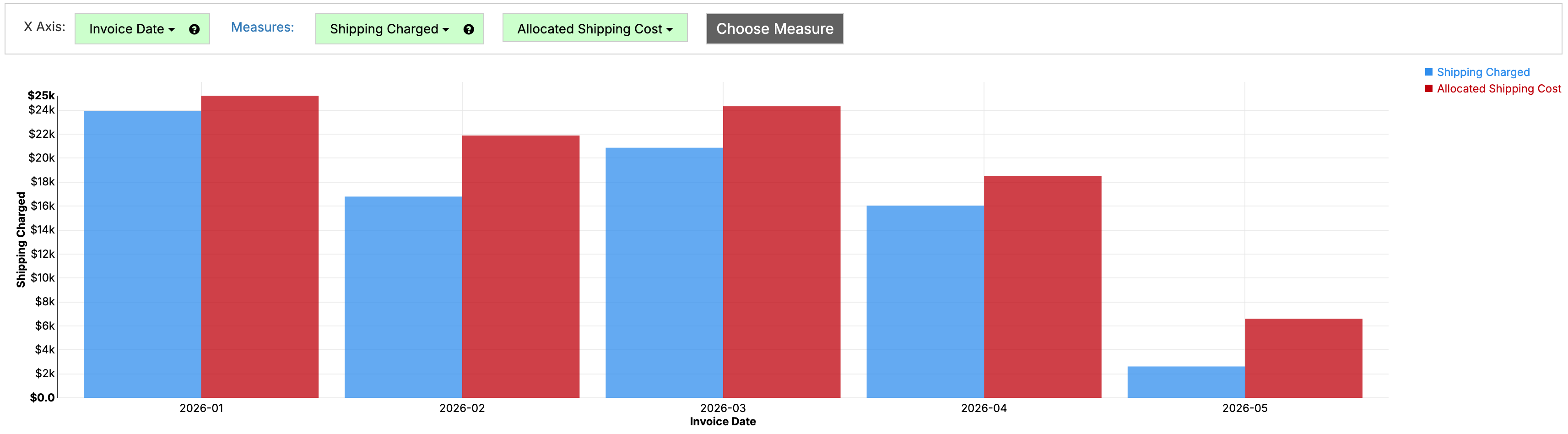
We've added the option to load in shipping and 3PL costs by Excel/CSV in addition to pulling from ShipStation/ShipTheory/StarshipIt. If you have a spreadsheet of Fedex/UPS costs, a CSV from your 3PL, or anything else like that, you can now load in those costs to help make sure you're keeping track of your shipping costs per order and SKU. For more information, see Shipping and 3PL.
You can now consolidate values through custom fields. For example, if you have the following set of locations:
And you want to consolidate Aurora/Denver while otherwise showing any values that weren't consolidated as is, you can now do this by custom fields. For more, see Consolidated Fields.
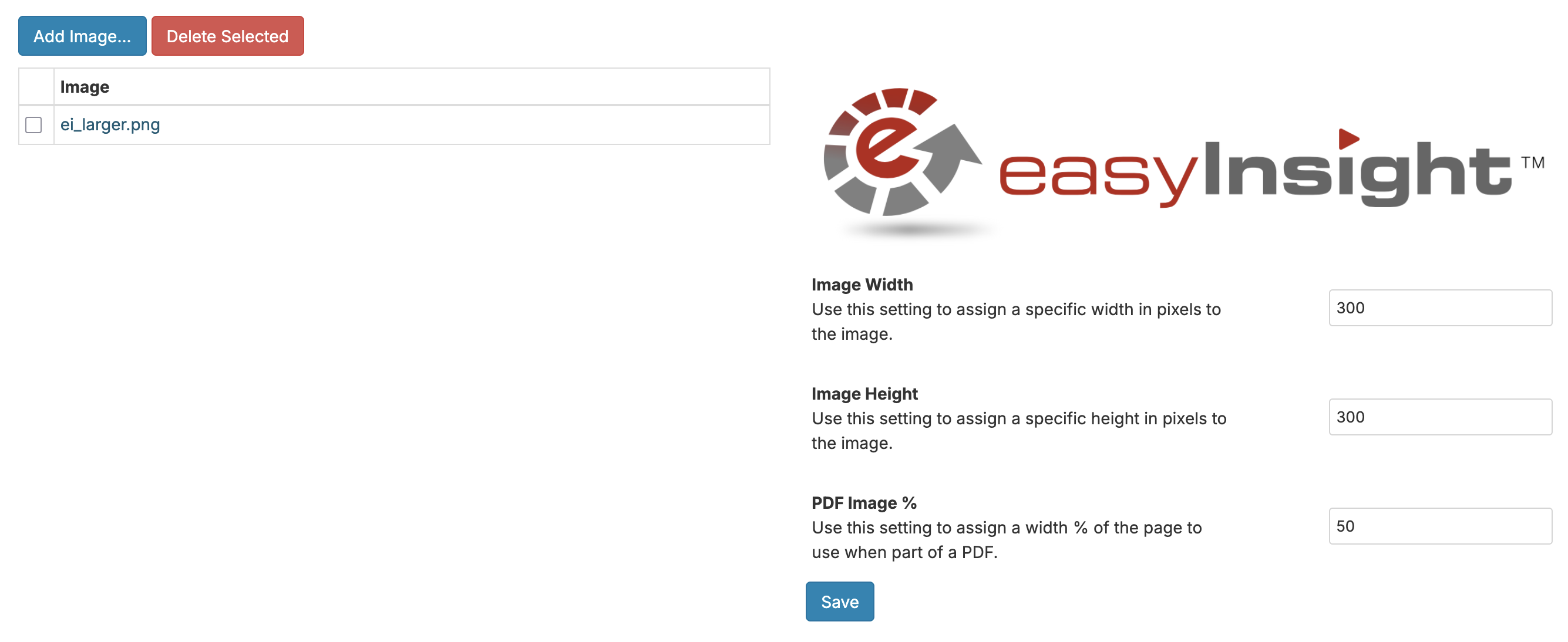
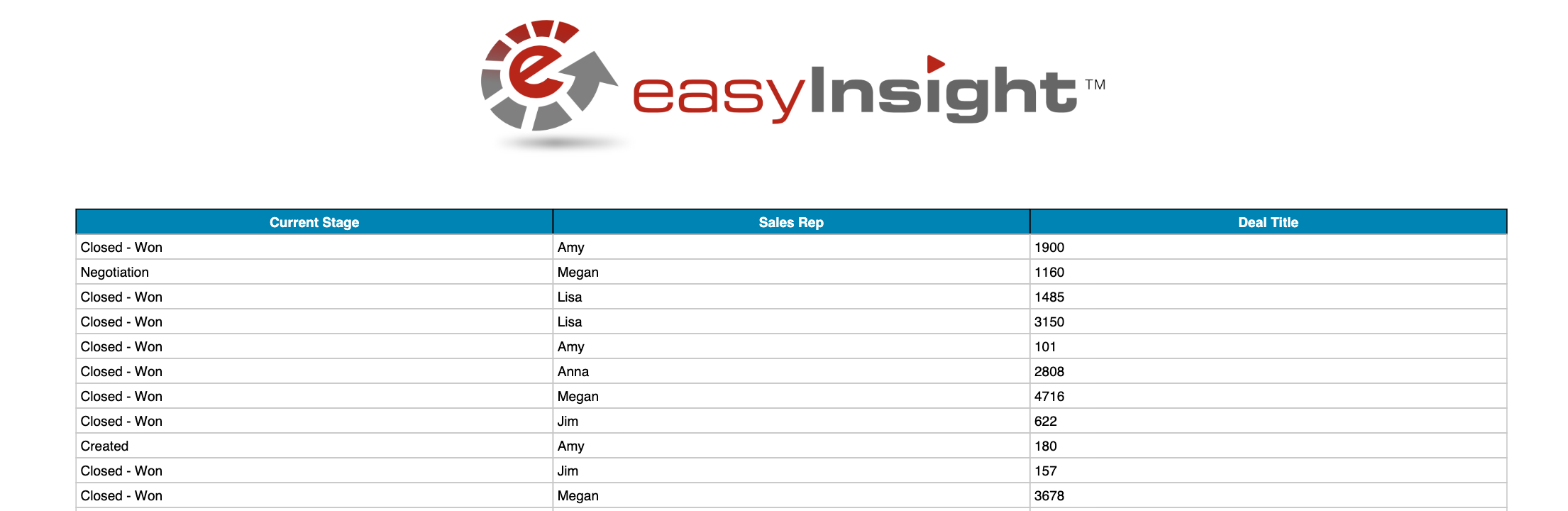
You can now set explicit image width and height on uploaded images by clicking on the image name from the Images section of Account Settings. For example, if you upload a huge PNG image that you want to size at 300x300, you can do that. You can also set a PDF width as a % of the document for when your image is part of a PDF header. If you set the width to 50%, the image will be sized as 50% of the document width on the export.
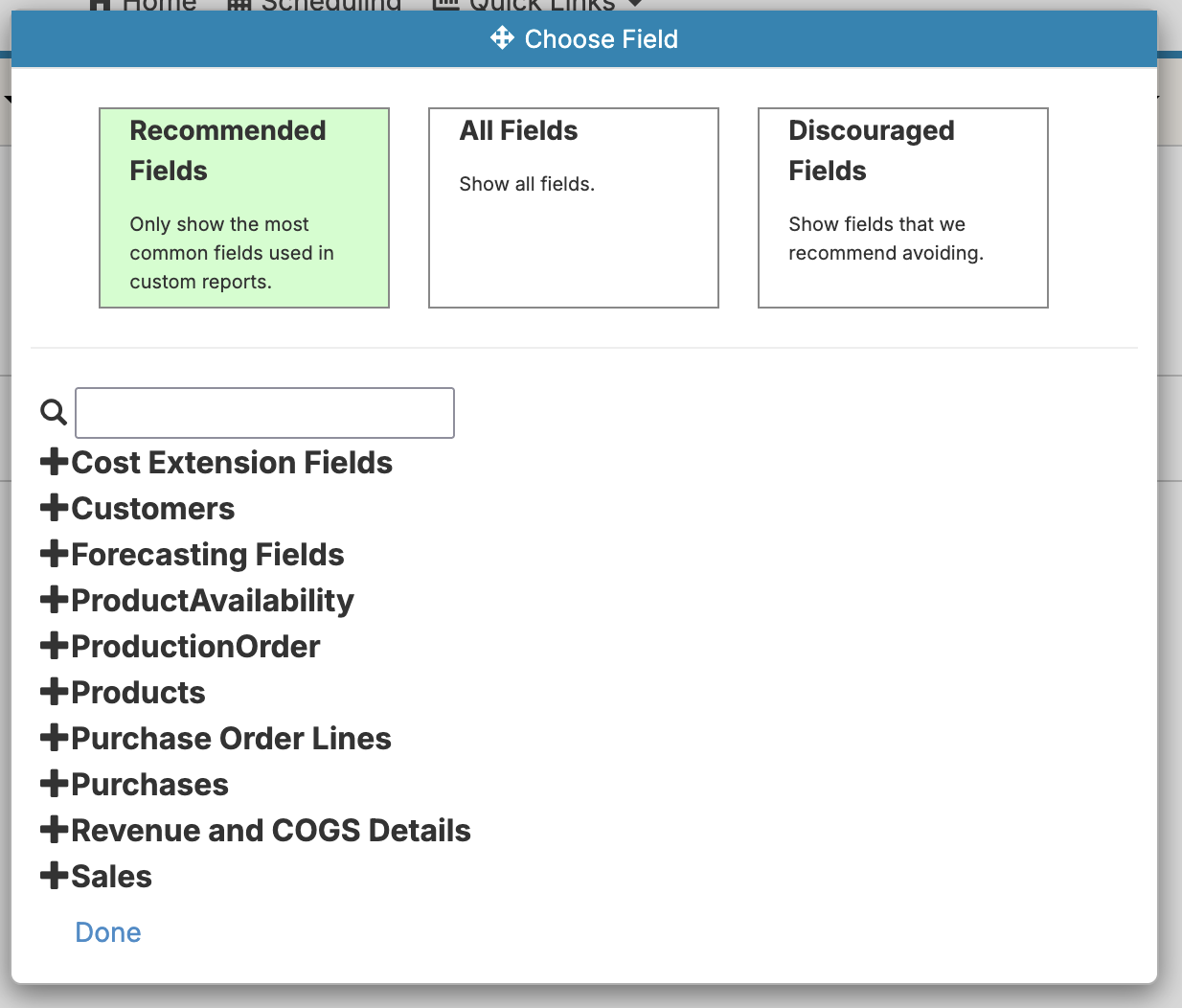
We've added a concept of 'Discouraged Fields' to help with hiding fields that we don't recommend using in report creation. In particular, this includes fields like raw invoice or sales lines data where we strongly recommend using the 'Revenue and COGS Details' folder instead.
We've added the option to merge vertical cells in crosstab and made several fixes to the display of row and column sub-summaries on crosstab reports:

For more, see Crosstab Reports.